
Wings Systems Support
In our software house, we focus on creating easy-to-use, professional embroidery tools. Our support team ensures you maintain peak productivity and create designs with the best possible quality.

Direct Technical Support
We are dedicated to providing the best possible technical support. Our team is always available to answer your questions and find solutions for any issues you might face.
100% Satisfaction
Our goal is your complete success with Wings Systems embroidery software.
USB Security Keyform
Run DRAWings software and open the Tools menu in the stitch part.
Open Security keys and click the Keyform button.
Save the generated file and attach it to your support email.
Run the software and open Tools, then Options, then the Key tab.
Click Keyform and save or copy the information from the browser window.
Attach the keyform to your support request.

How to Report an Issue
To help our team find a solution for you faster, please provide a comprehensive description of the problem.
Detailed Description
Specify what actions led to the error and what the expected behavior was. Include the software version and any design or file involved.
Visual Evidence
Attach screen captures of the error message or workspace. Use take-a-screenshot.org if you are unsure how.
Online Training Videos
Training videos are available to all registered users. Together with your software, you will get access to a complete training course.
Members' Area Access
- check_circle DRAWings software section
- check_circle Wings’ XP / eXPerience software
- check_circle Modular software library
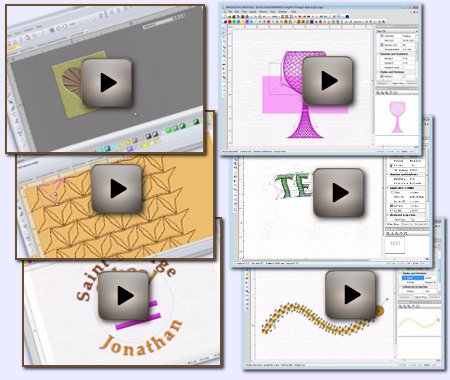
Support Resources
Sample Projects
Download instructions and resources to reproduce actual embroidery designs. Perfect for learning software abilities through practice.

Complete Training Courses
Step-by-step video training courses and tutorials designed to help you master embroidery design from the ground up.

Knowledge Base
Searchable documentation, technical articles, and answers to frequently asked questions for all software features.
